
PUBG Codename: Savage Beta - Day Two Update |
| Codename: Savage Beta - Day Two Update Posted: 03 Apr 2018 08:21 PM PDT 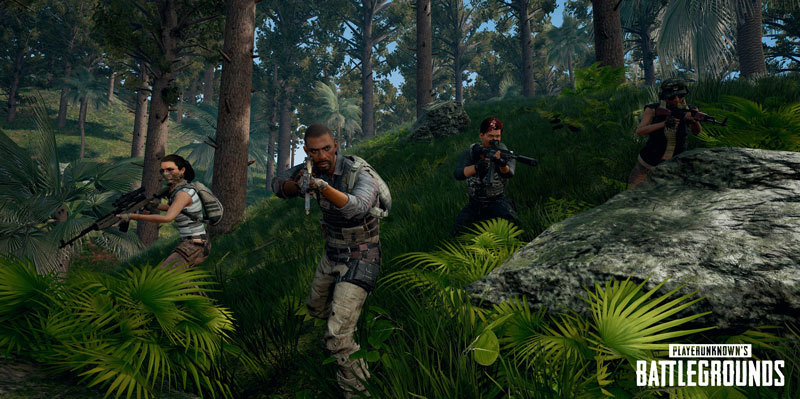 Within the next few hours we will open up access to Squads alongside Solo queue on the Codename: Savage Closed Experimental Server. Heads up that adding the extra queue will likely result in longer matchmaking times during off-peak hours. We're also re-opening signups for the test and giving away hundreds of thousands more keys for those who missed the first round of giveaways. More keys are available right now on https://mapbeta.playbattlegrounds.com Along with Squads, we're also shipping some other changes to Codename: Savage based on early feedback:
This update is rolling out now.  |
| The Inspiration for Codename: Savage Posted: 03 Apr 2018 06:01 PM PDT Earlier this year a few artists from the PUBG team took a trip seeking inspiration for our upcoming map, Codename: Savage. In this post, we want to take you behind the scenes of that trip to explain some of the processes we use when creating new maps. We decided to explore Thailand because the look and feel of the new map is based on Southeast Asia. Understanding the flavor of the region is important, but the biggest opportunity was to go through an R&D phase of the asset creation process called Photogrammetry. We'll talk about that more later. For now, you should meet the team! 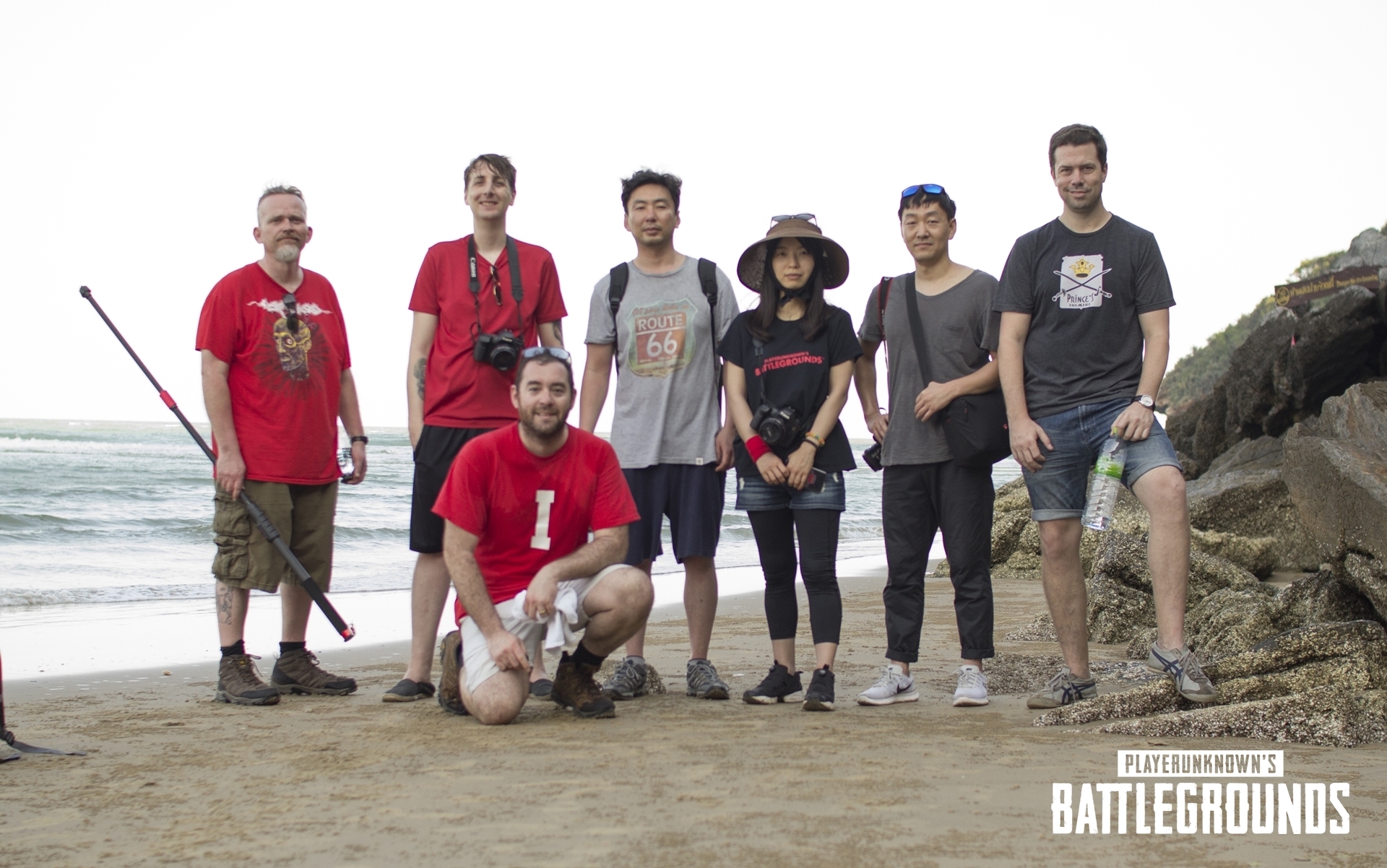 The team on this adventure was comprised of Technical Artists, Concept Artists and 3D Environment Artists. Their names, starting from the left to right are Trey, Sergi, Collin, Kevin, InJeong, and Daesung. The guy at the far right in a grey shirt is a freelance photographer we hired named Dax. Cool guy! This trip was the first time the PUBG Art Team visited a location specifically for world art development. Before this trip, there weren't a lot of emotional attachments among the artists to the maps we create because it was ultimately based off references found on the web, and not on real life interactions. By physically being in the jungles and mountains in a humid Asian country, it not only made us imagine what the new map will play like, but we felt the breeze, we smelled the air, and we heard the sounds. All of these experiences are helping the team create a unique experience for you.  We mentioned that you were going to hear about Photogrammetry. This is a process that allows artists to convert a real-world object or a selected area into an in-game 3D objects. An object is first shot from every possible angle, then the photos are imported into a Photogrammetry software that produces a 3D model. This process is usually intended for creating complex and realistic assets such as trees, terrain, complex props, etc. 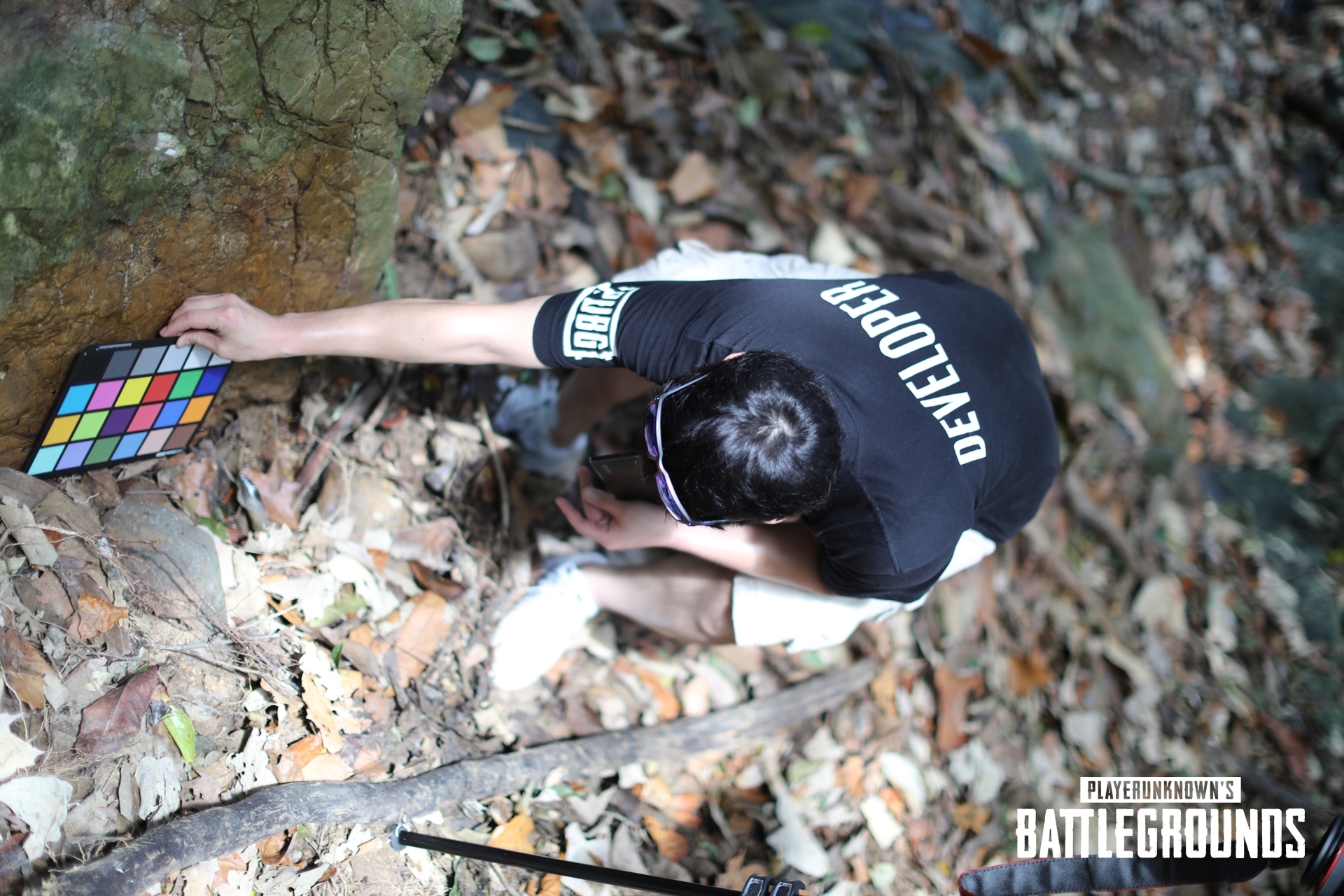 Above, Daesung is preparing to take a photo of a rock that he wants to make into an asset for the game. Since the process requires multiple photos to be taken in an outdoor environment, the lighting conditions will change over time. As lighting conditions change, the colors and contrast of the photos will change as well. To synchronize the reference images of the rock, the pad with color swatches is included in the default photo for adjusting the white balance and color correcting the photos later. We want to show off one of the tree types that we selected to populate the new map. Behold! 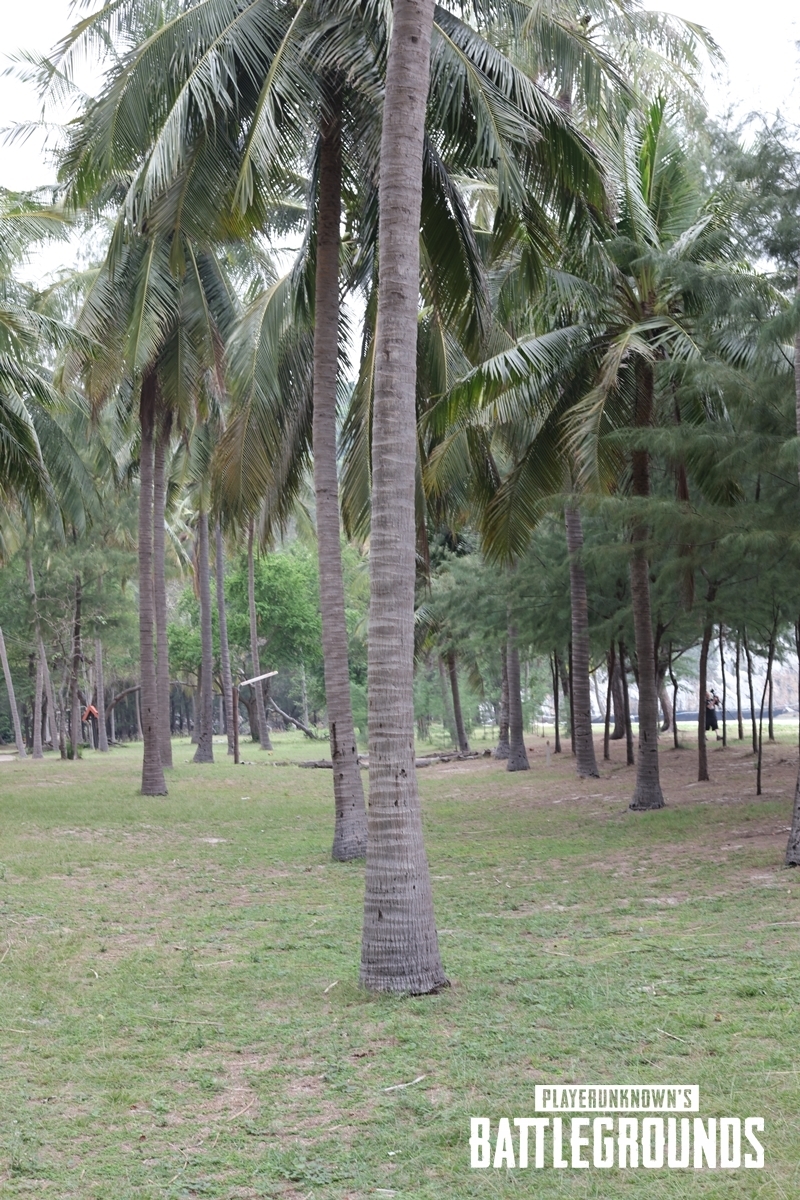 Now this is where it gets more difficult. The second step is to take photos of the object you've selected covering every possible angle. We have thousands of images of various objects that the team identified during the trip. Each object has been photographed like this[media.giphy.com]. The third step is to take those images, color correct them to have synchronizing colors and contrast. Finally, we take the adjusted images and import them into Photogrammetry software. The software makes a 3D model from provided images. A high polygon model is created which needs to be optimized to become a game-ready asset. There's quite a bunch of polishing required from here as you can imagine, but we'll spare you from those details. 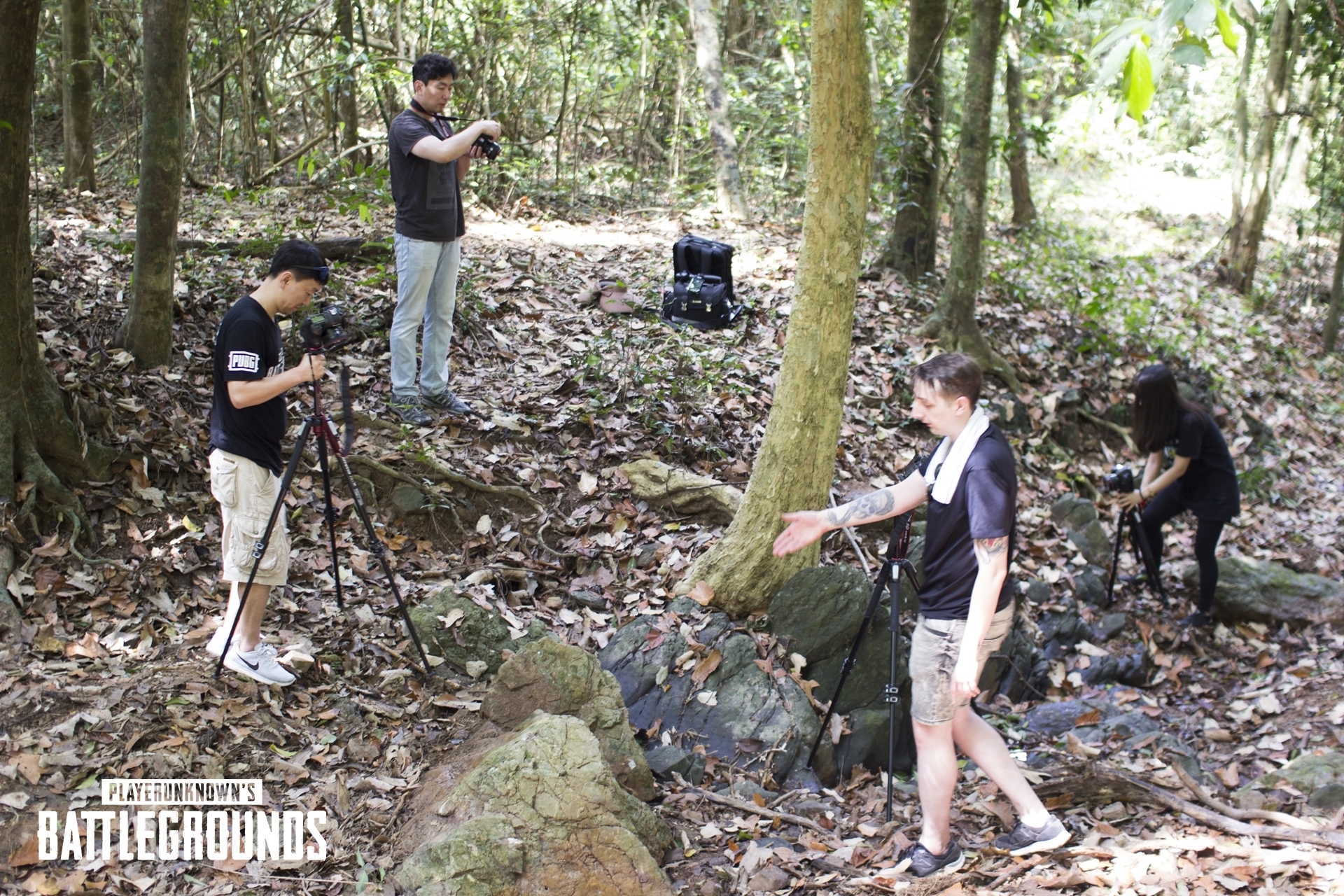 Since the vegetation helps create the visual believability of a specific part of the world, we decided to implement Photogrammetry to our production pipeline and to experience what it feels like to be in the environment firsthand. Oh, here's what this tree type looks like in-game (it's still a work-in-progress).  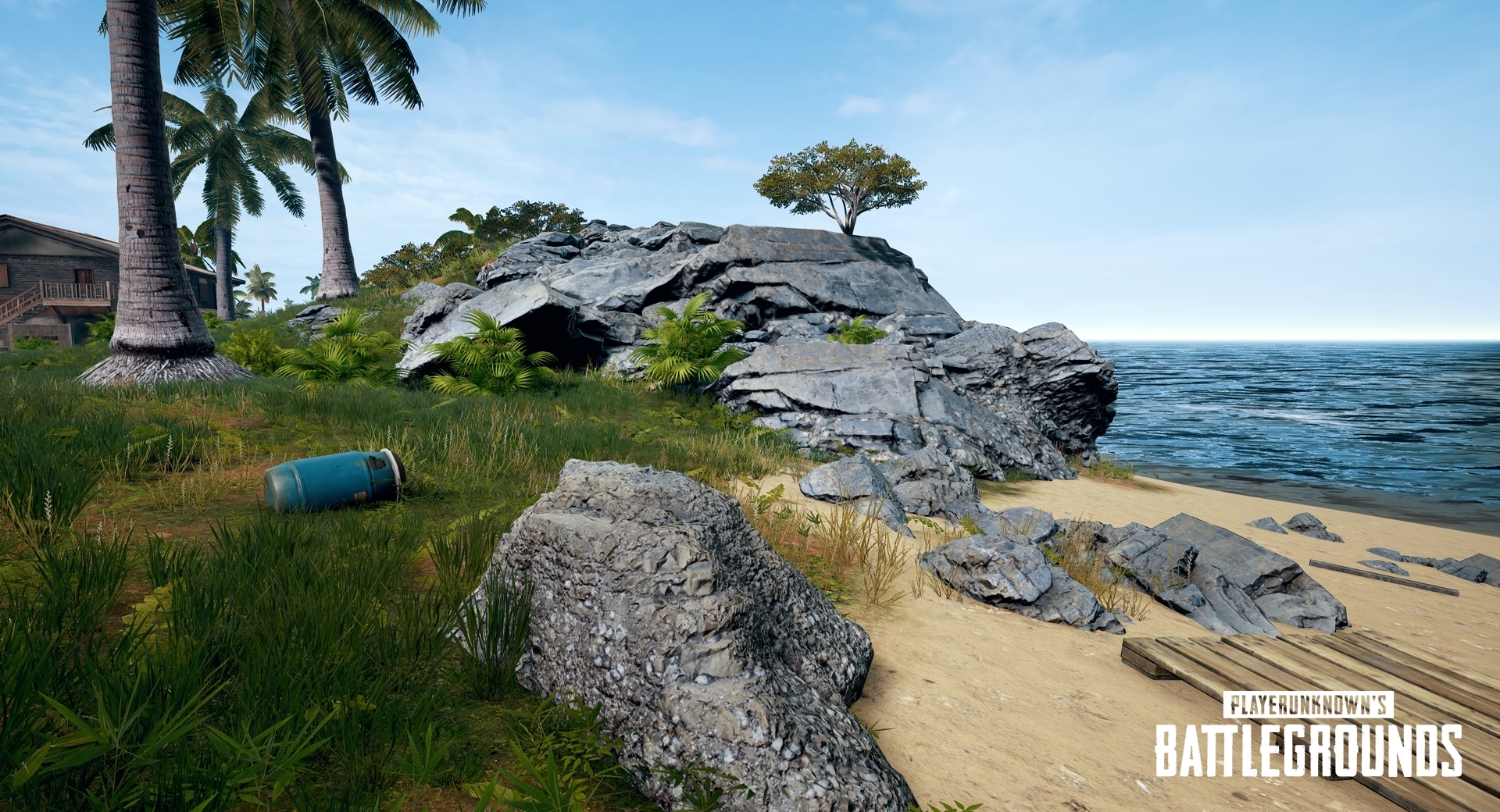 We're looking forward to giving you a real-deal South Asian experience when we release the new map later this year. We're still in active development, and we're excited about the direction we're headed.  |
| Posted: 03 Apr 2018 05:24 AM PDT 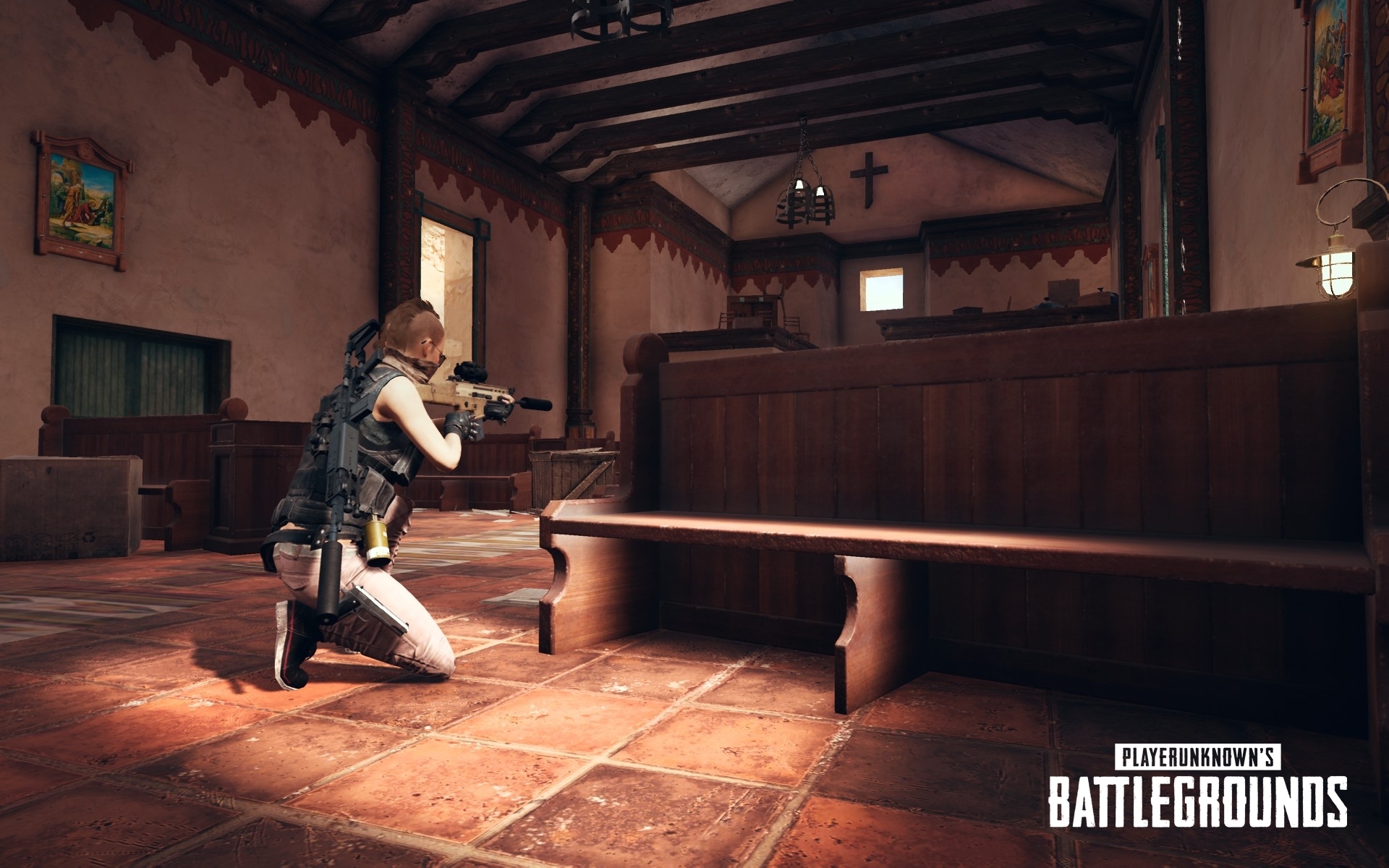 Players, Today we're going to take a look at the changes and fixes coming with PC 1.0 Update #9. After the changes made to this test build are proven to be stable, the test build will be moved to the live servers. We will announce the schedule for the live server update soon. Please leave your feedback in the relevant section on our Official Forum: LINK[forums.playbattlegrounds.com] Spectating Your Killer
UI/UX
Bug Fixes
Thank you.  |
| You are subscribed to email updates from PLAYERUNKNOWN'S BATTLEGROUNDS RSS Feed. To stop receiving these emails, you may unsubscribe now. | Email delivery powered by Google |
| Google, 1600 Amphitheatre Parkway, Mountain View, CA 94043, United States | |
Post a Comment